

Home Doc AppSumo How to Redeem AppSumo Deal for SSB PRO?
Here’s the flow to redeem your Simple Social Buttons Pro AppSumo deal.
If you have bought the LoginPress deal at AppSumo, then you must have an account at WPBrigade. Sign in first, so your new deal will be under the same account email.
Or/And otherwise
Open this link, WPBrigade AppSumo Deal will display a page like below
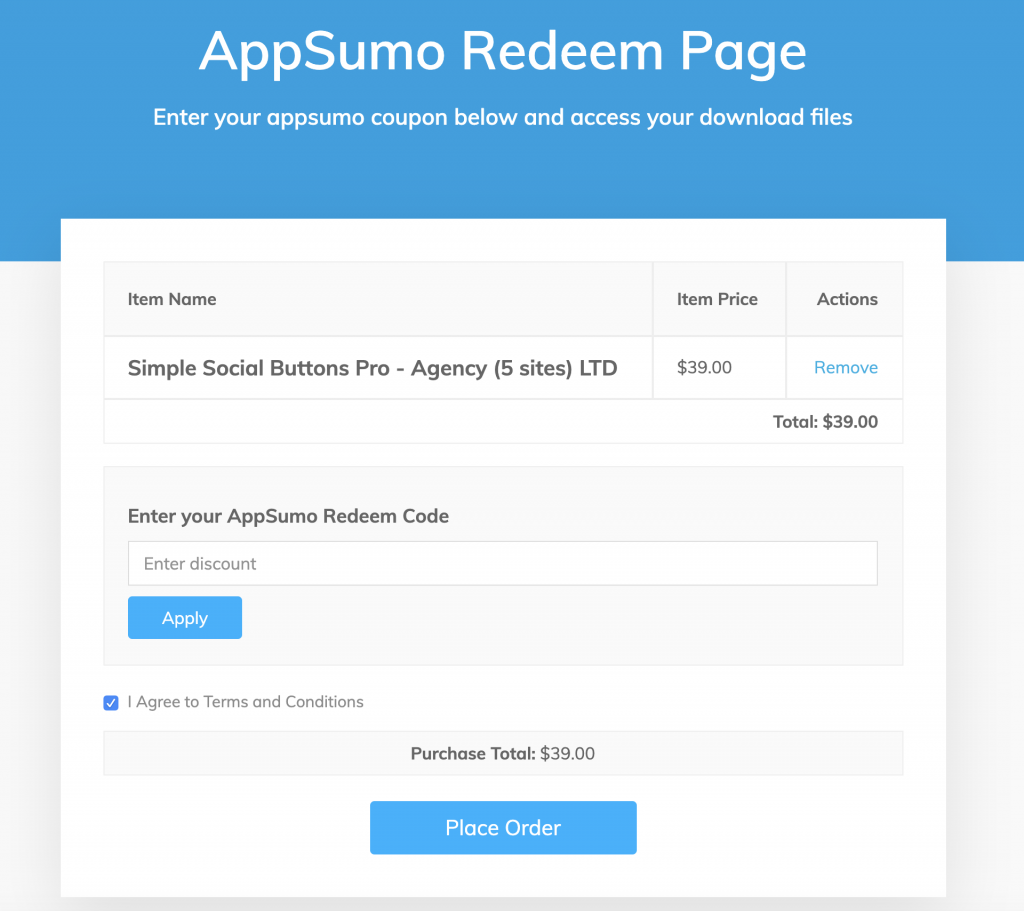
Here you will have to enter the first (your unique code from the AppSumo account) AppSumo code “89abd1402961092347bbee8ae1e90debb” and click on the Apply button will reload the page with 100% amount off like seen below
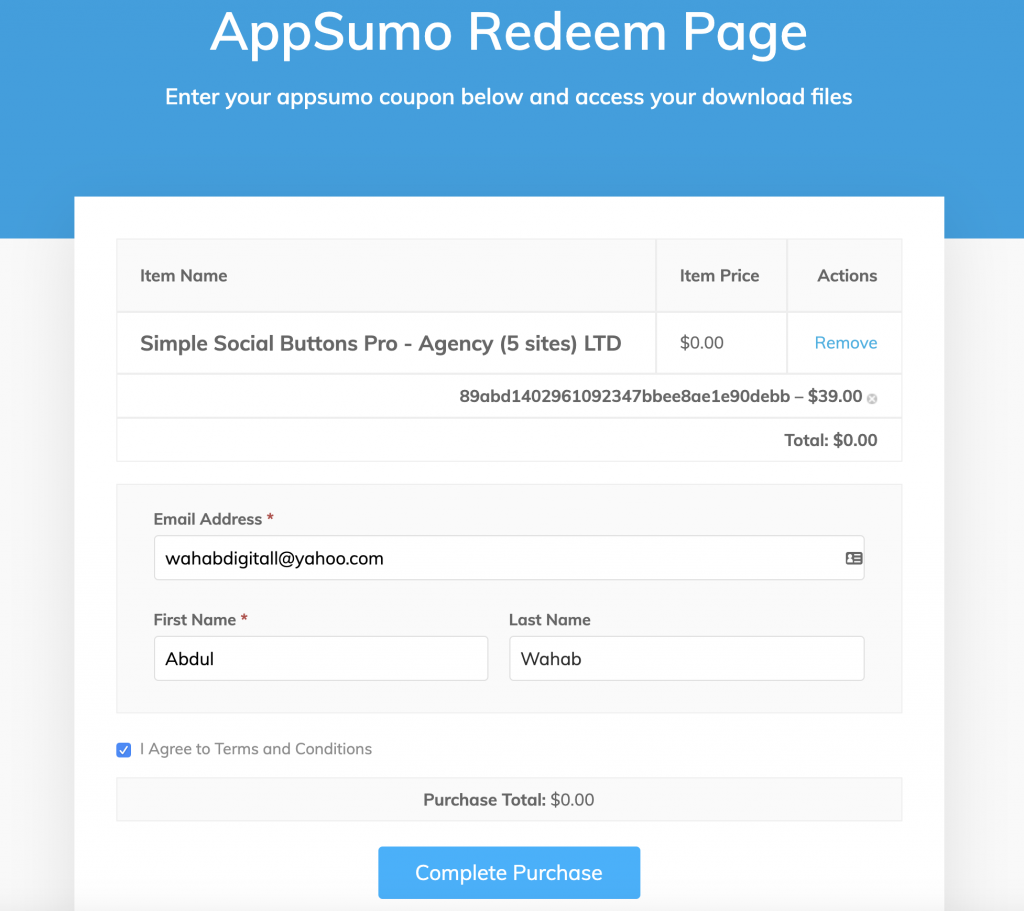
If you are logged in already i.e You are already LoginPress user then Email Address + First and Last Name fields will be auto pulled from your account. If not, add your Email and Name to complete the Purchase.
Clicking on “Complete Purchase” will lead you to a Thank You page.
The email you entered above will receive the Login details to log in at WPBrigade, where you can download the files and access your license details.
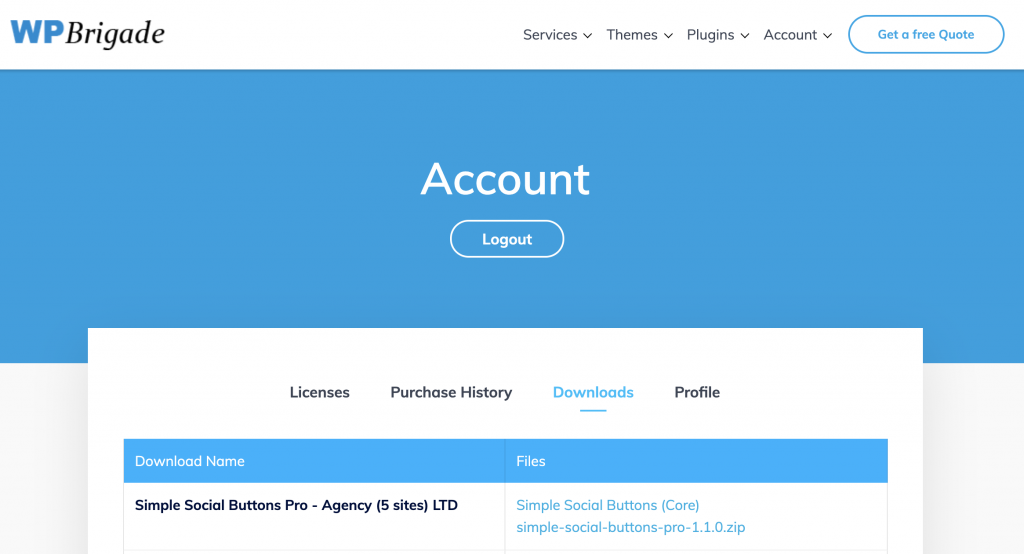
To redeem the second code for Simple Social Buttons Pro to unlock the Unlimited Sites license, follow this article.